HSE · Risk events
Incident reporting software that closes the loop from near miss to risk assessment
One register for observations, near misses, accidents and first-aid entries. Report on the phone with a photo, investigate, and verify every corrective action. The risk assessment for the same hazard comes up for review. For site managers and HSE officers.
The problem today
Near misses end in a chat group, accidents in a folder, and the assessment never changes
Reports get lost
A photo in a chat group is not a report. Nobody knows who saw it or what was decided.
Actions without proof
The corrective action is agreed in a meeting. Weeks later nobody can show it was done, or that it worked.
The assessment never learns
The accident file is closed. The risk assessment that should have foreseen it stays unchanged.
Reporting
Four ways to report, one register, a photo instead of an essay
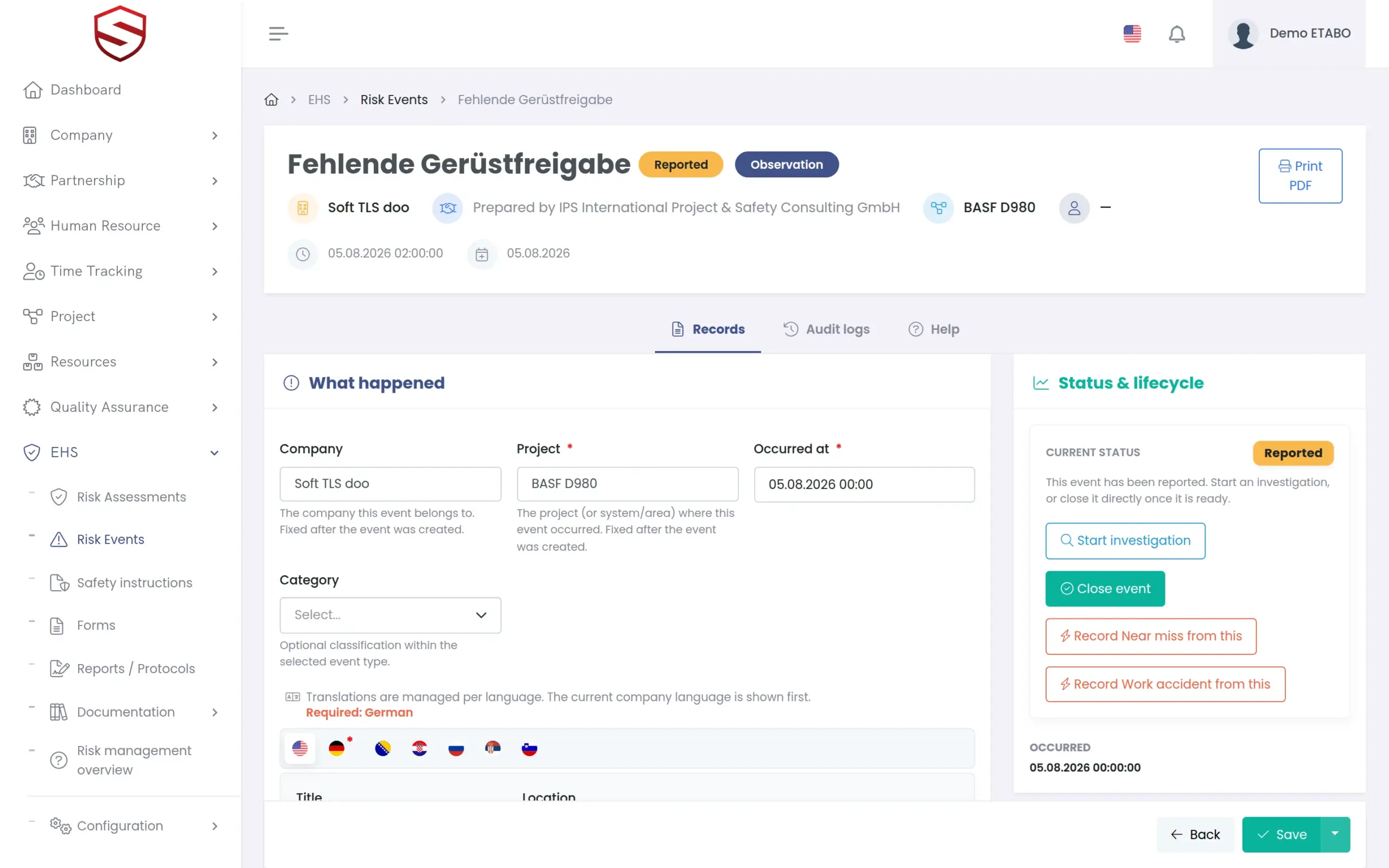
Pick the button that fits: “New observation”, “Report near miss”, “Report accident” or “First-aid entry”. Record what happened, the project and the hazard. In the Soft-TLS mobile app (Android) you take the photo on the spot. On an observation, “Draft from photo (AI)” suggests the description, hazard and severity for your review. Incident reports themselves are always written by a person.
- Title, location and description per language
- Project managers are notified, also by push notification in the mobile app
- First-aid entries can be escalated to an accident, reason audited
- When an observation comes true, record the near miss or accident from it, pre-filled and linked
Investigation and actions
Every event ends in a verified action, not in an e-mail thread
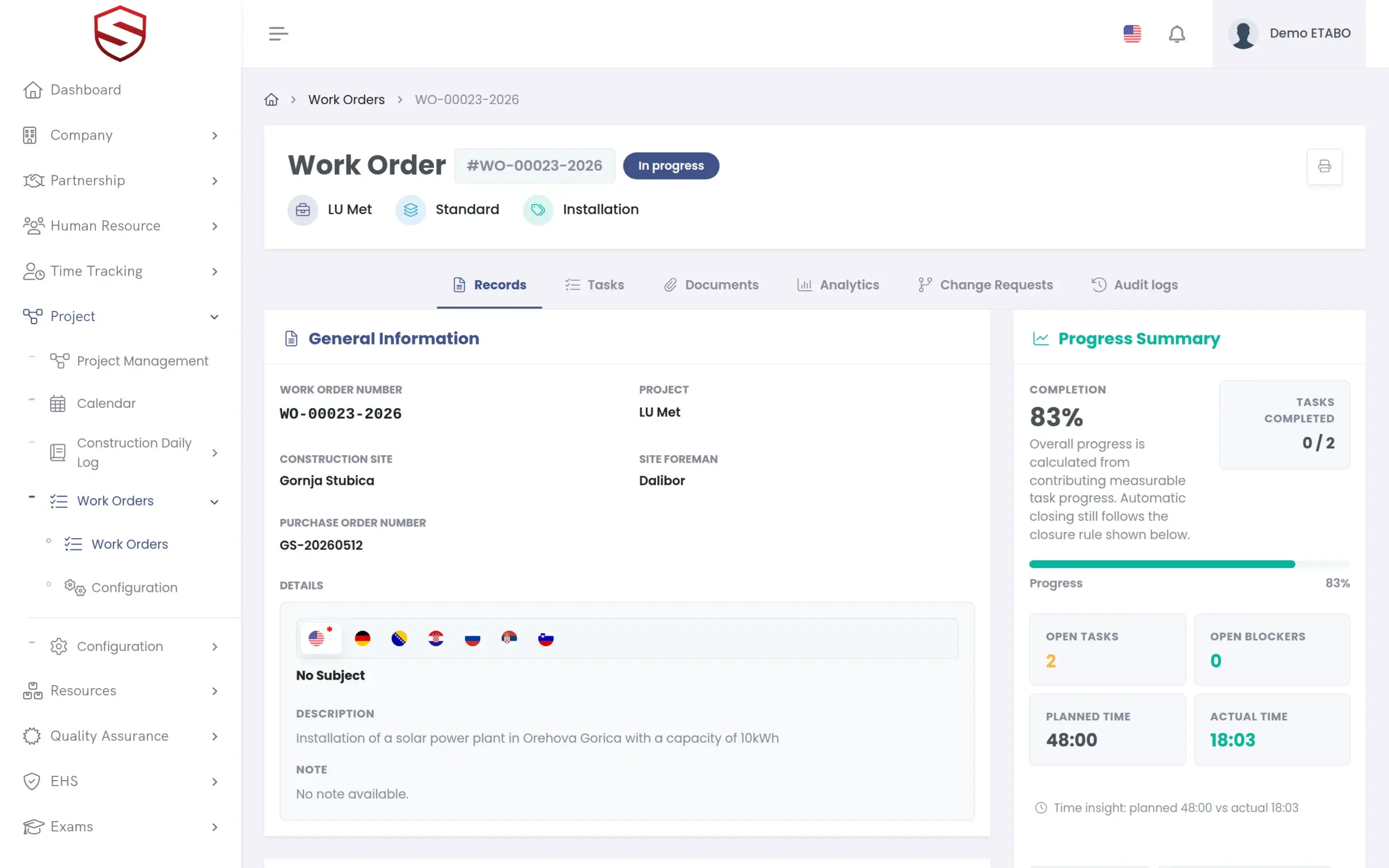
Events move from Reported to Under investigation to Closed; reopening needs a reason. Corrective actions get a responsible person and a due date, then Start, Complete and Verify with a recorded effectiveness. Selected actions become a work order, tracked like any other job. See work orders.
- Evidence per stage, as images or PDF
- Completion and effectiveness notes per language
- Reportable accidents: deadline tracked, closing blocked until the report is recorded
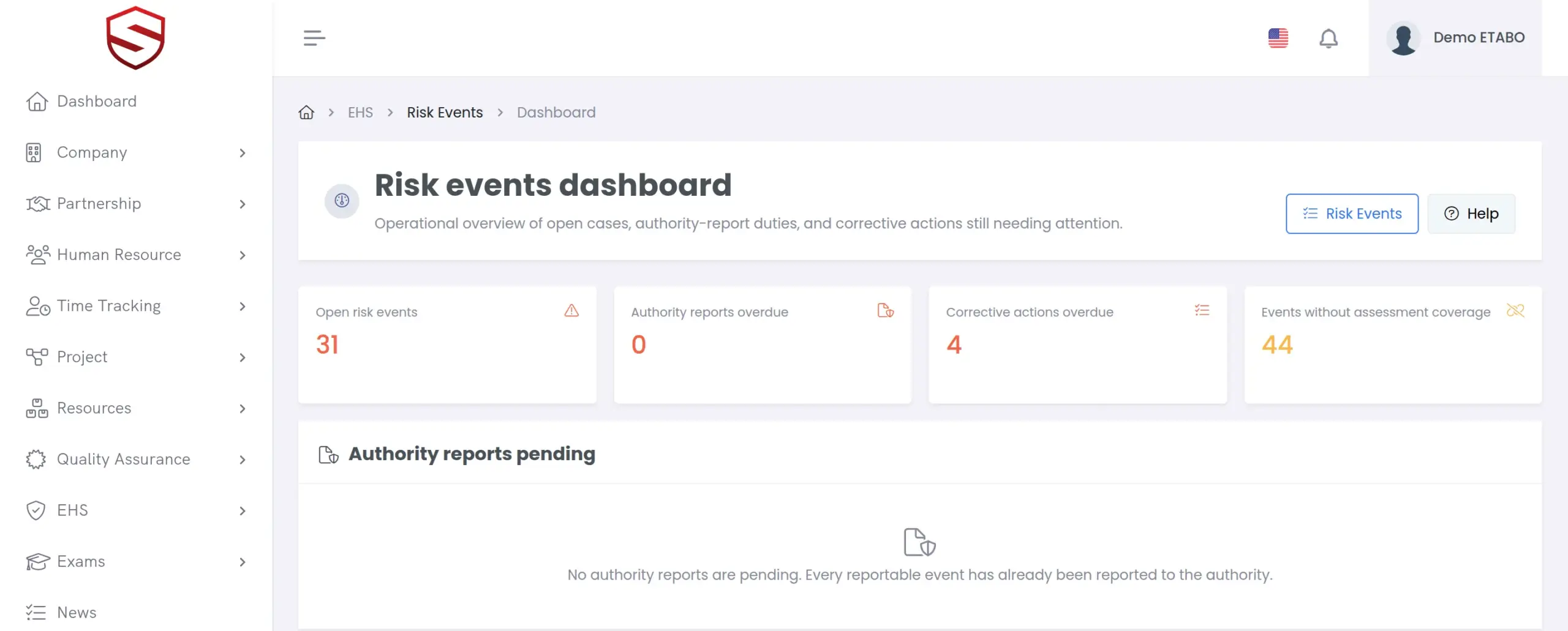
- Dashboard queues for overdue actions and open authority reports
Closing the loop
The incident flags the risk assessment that should have foreseen it
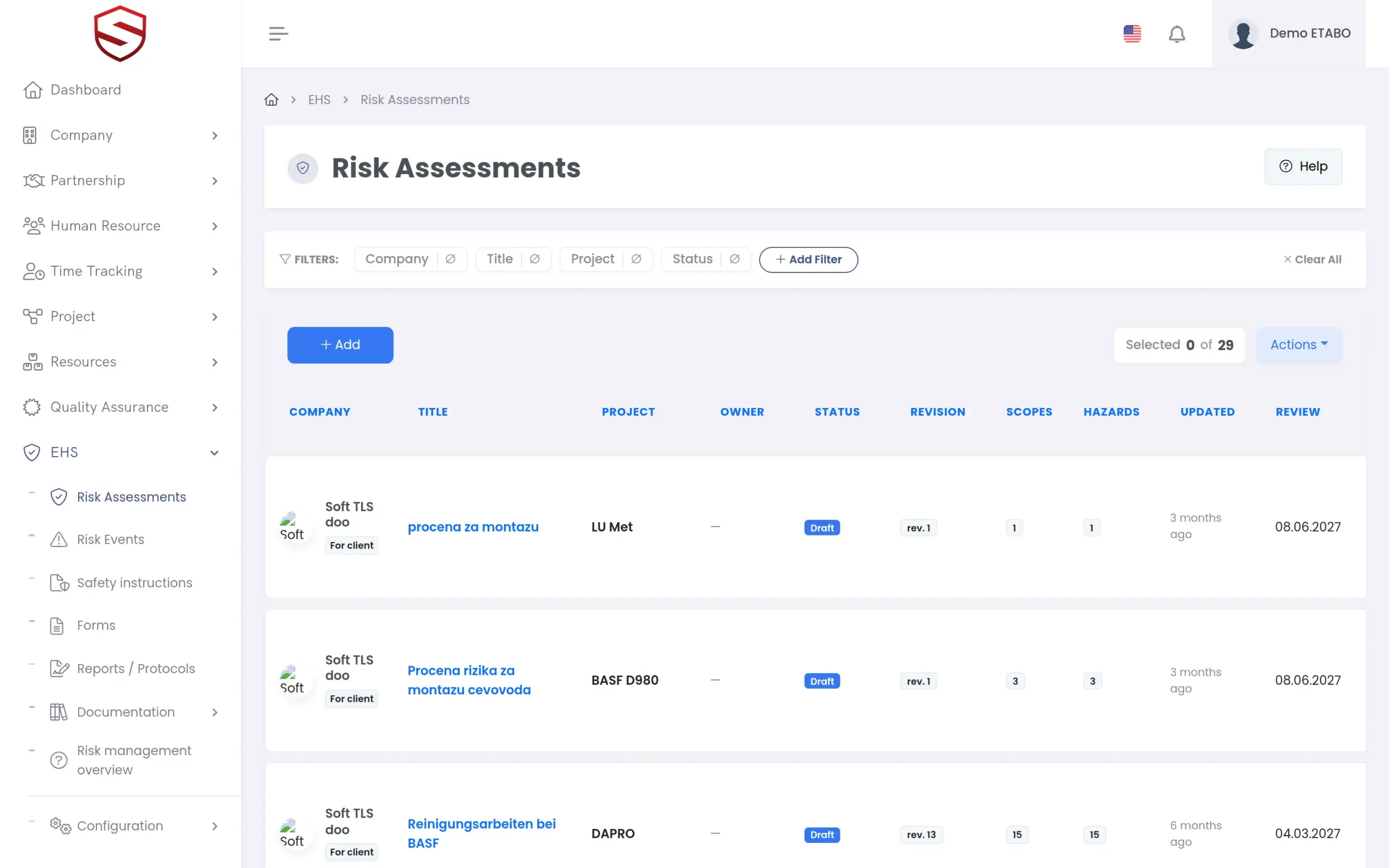
Every event names its hazard, so Soft-TLS finds the in-force assessments that cover it. Accidents flag them for review and notify the owner. So do high-severity near misses. Lower near misses and observations are suggested to the HSE officer. See how assessments are revised and signed off.
- Flag states: Suggested, Flagged, Dismissed, Resolved
- Dismissing a flag needs a reason and is audited
- A warning when no in-force assessment covers the hazard
- The linked safety instruction then shows “Outdated by a newer assessment”. See safety instructions.
What incident reporting includes
- Observations, near misses, work accidents, first-aid entries
- “Risk events dashboard” with action queues
- Photos, and “Draft from photo (AI)” for observations
- Corrective actions, verification, work orders
- Authority report: due date, report date, reference
- First-aid record book per year
- PDF, bulk print, Excel export, e-mail report
- Recording for client companies
- Audit log on every event
- Rights: View, Record, Manage, Authority, Send report
Works together with
HSE and risk management
Events share catalogs and the audit trail with assessments and instructions.
Risk register and control measures
Flagged assessments and overdue measures in one register.
Frequently asked questions
What happens after an incident is reported?
Project managers are notified. An investigator assigns actions with due dates and closes the event once they are verified. In-force assessments for the same hazard are flagged, or suggested, for review.
How are reportable accidents handled?
One built-in rule applies today, modelled on the German statutory accident report: an accident is reportable when fatal or with more than three days lost, due three days after it occurred. Soft-TLS tracks the deadline, sends reminders and records report date and reference. You file the report yourself.
Can workers report from the site?
Yes. The Soft-TLS mobile app (Android) shows the same screens as the browser. Anyone with the right to record events can report on the phone. The app needs an internet connection.
What does the AI do with the photo?
On an observation it suggests description, category, hazard and severity from your photo and note, for you to review. Near-miss, accident and first-aid reports get no AI draft. Requests go to your configured AI provider; the usage log holds metadata only.
Can we export events for our statistics?
The events register exports to Excel. Single events and bundles of up to 50 print as PDF; first-aid entries print as a yearly record book. Safety KPIs such as LTIF or TRIR are on the roadmap.